The Window Switcher
macOS Was Always Missing.
Command-Tab with real live window thumbnails, hover previews on your Dock, instant window snapping, and clipboard history. Everything in one lightweight, native Mac utility.
brew install --cask rept0rix/tap/show-bar
Everything your Mac was missing.
Instead of running 5 separate background daemons and paying monthly subscriptions, Show Bar combines the most wanted window management and productivity tools in one native binary.
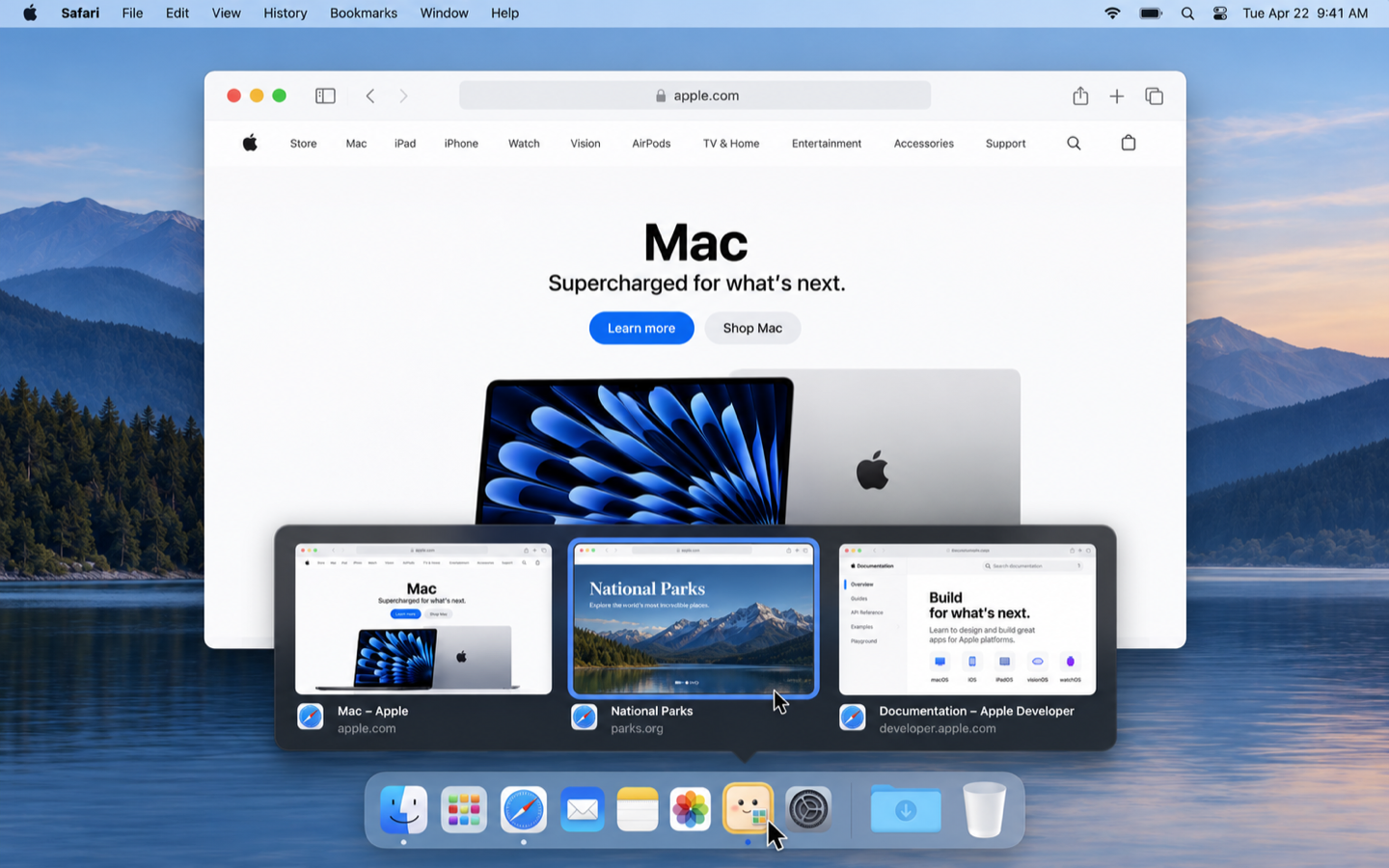
Hover the Dock to peek inside.
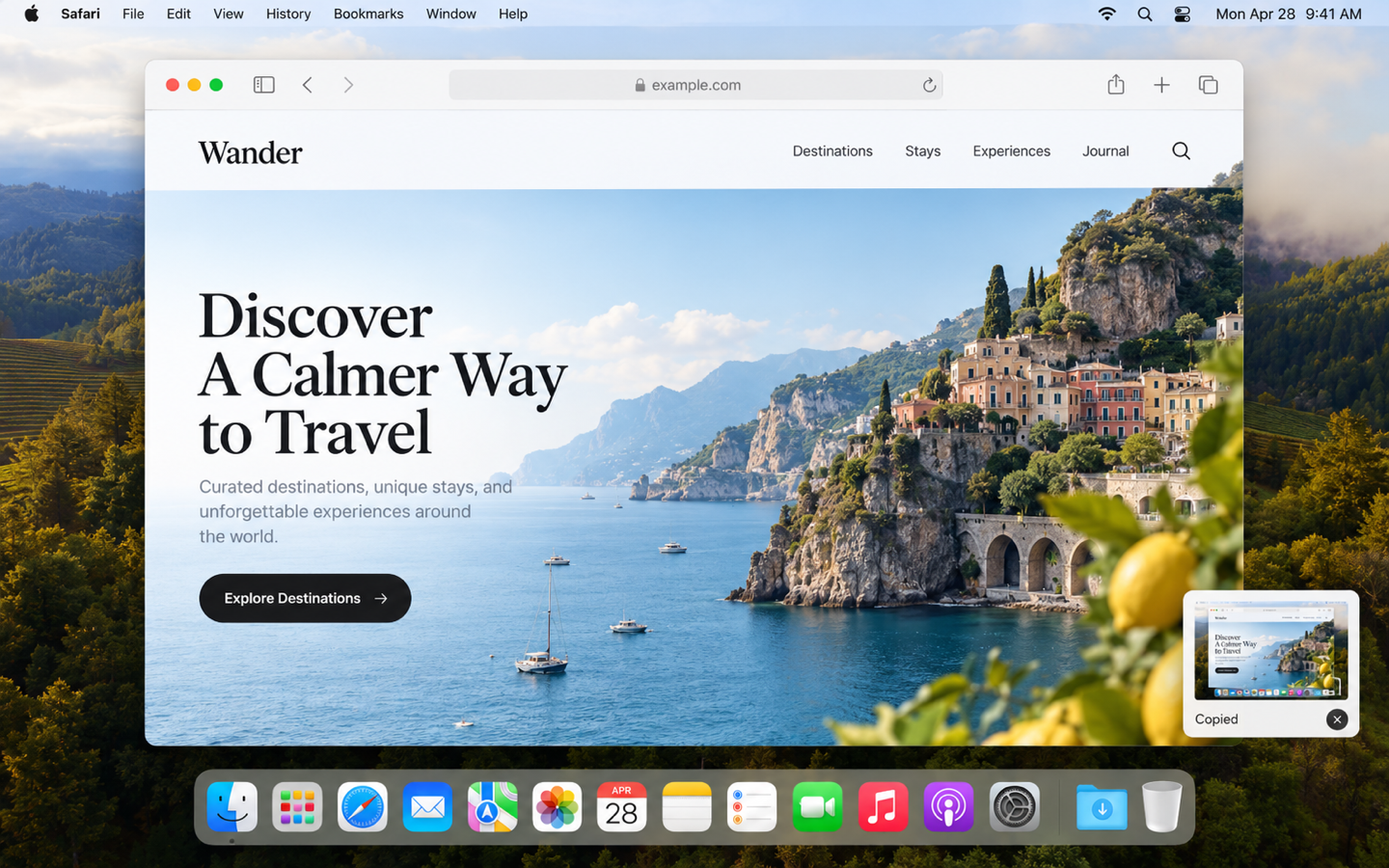
Windows has had taskbar previews since Windows 7. Show Bar finally brings this to macOS: hover any app icon on your Dock to view live thumbnails of all its open windows.
- Instant hover trigger with zero WindowServer lag
- Switch directly to any window across multiple Spaces or external monitors
- Supports Bottom, Left, and Right Dock placements
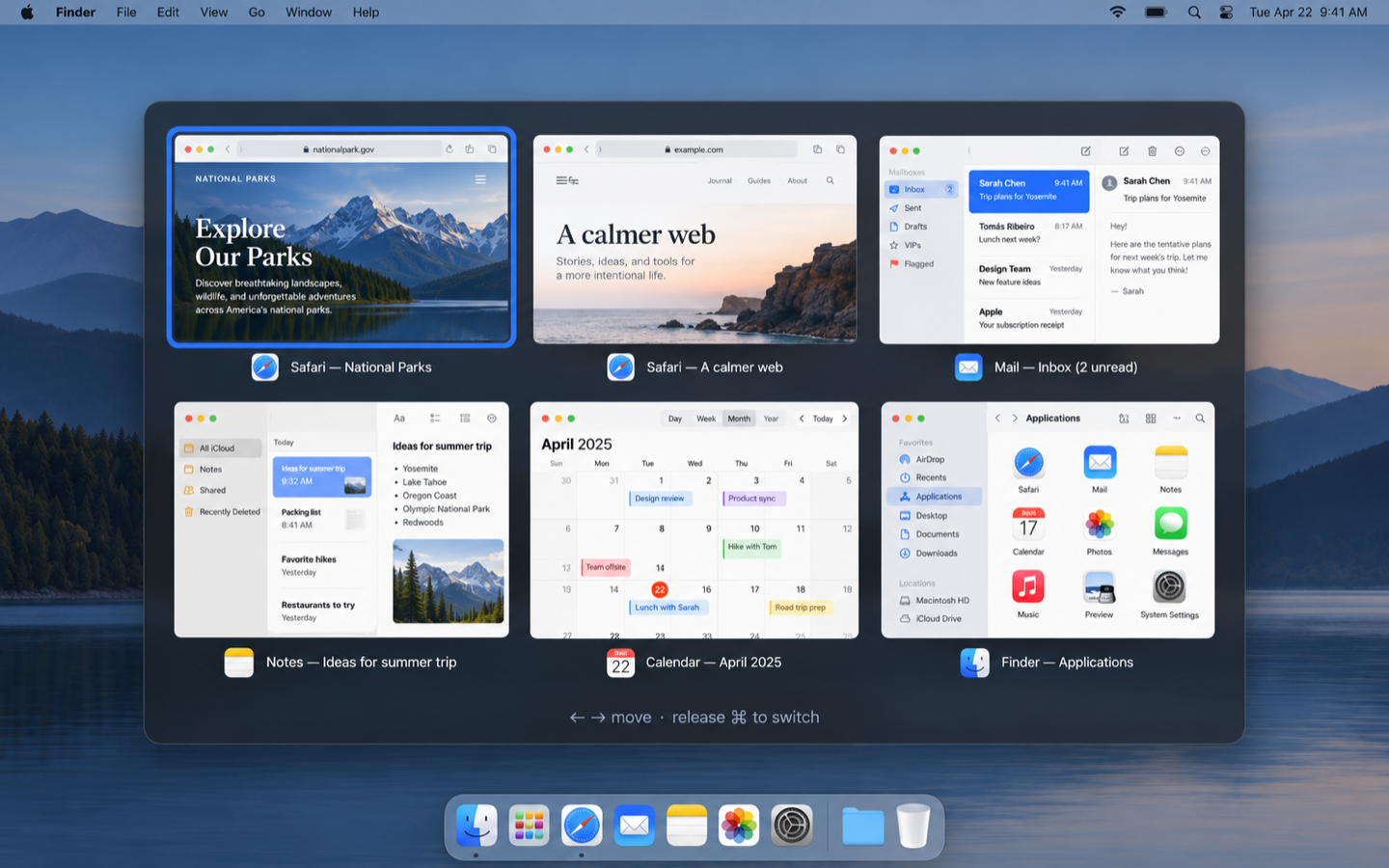
Command-Tab to windows, not just apps.
Tired of cycling through five Safari windows blind? Show Bar replaces the native Command-Tab switcher with crisp live previews of every active window so you immediately land where you want.
- Instant tap switches between your last two windows immediately
- Filter and select via Arrow keys, Numbers, or Mouse hover
- Shows Desktop / Space tags for windows on other virtual screens
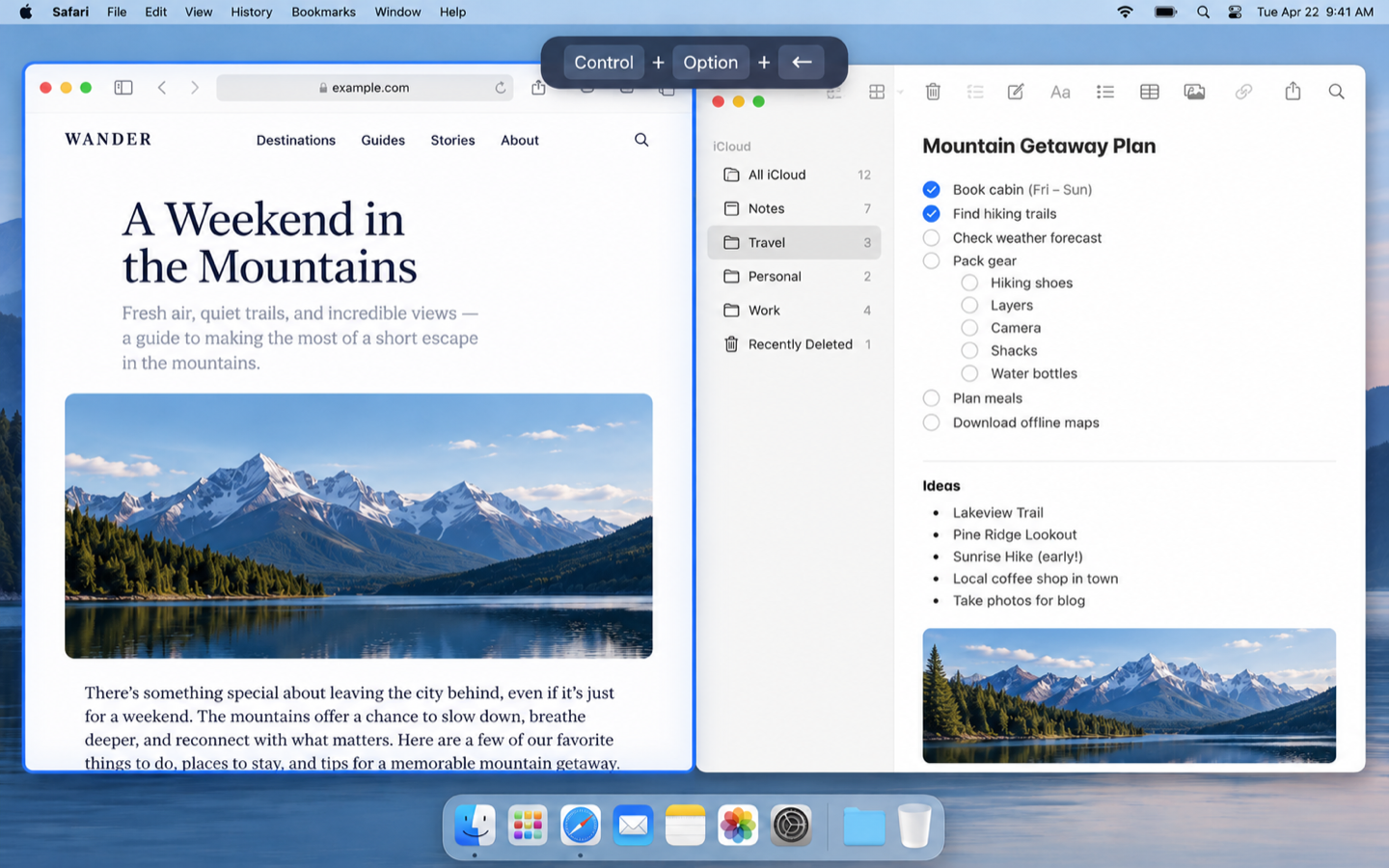
Snap and tile in a single keystroke.
Organize your screen space without clunky mouse gymnastics. Press Control-Option with arrow keys to tile windows into left/right halves, corners, thirds, or maximize.
- Quick split: Left half, right half, top, bottom, or fullscreen
- Lightweight and native with zero battery drain
- Move windows effortlessly across multiple displays
Never lose what you copied.
Press Control-Option-V to open your visual clipboard shelf. Search through recent copies, code snippets, formatted text, links, and photos, and paste them back in a snap.
- Fast fuzzy search to retrieve past clips in seconds
- 100% on-device local storage — nothing ever touches the cloud
- Plain text, formatted rich text, links, and image support
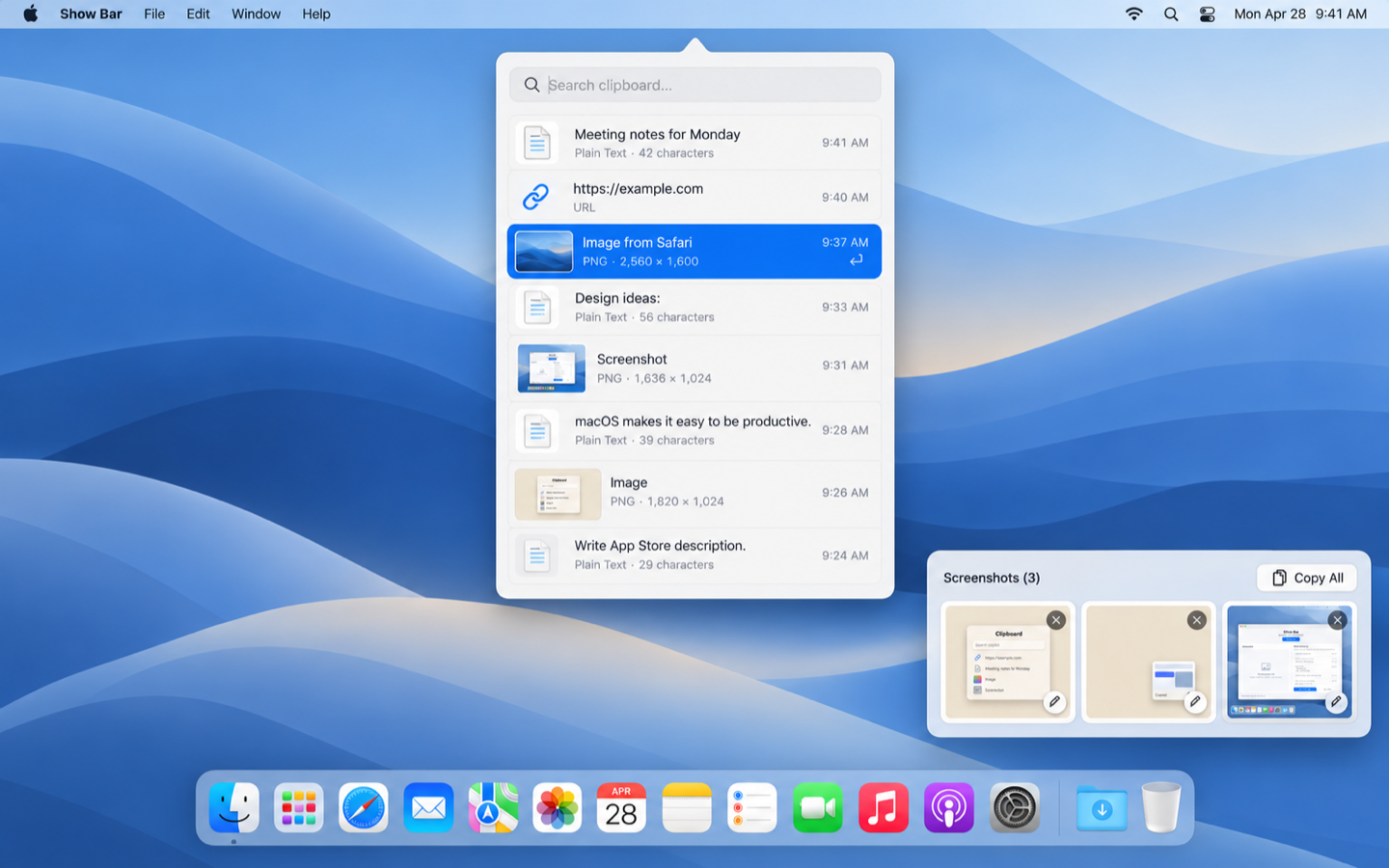
Pin, markup, and batch paste screenshots.
Whenever you capture a screenshot, Show Bar pins it temporarily in the corner. Annotate with arrows and callouts, crop with precision, or collect multiple captures and paste them all together in one go.
- Floating corner shelf keeps recent captures at your fingertips
- Full markup editor: arrows, text, shapes, blur, and cropping
- Copy All: sends multiple captured images in a single paste
$115+ in paid utilities. Free in Show Bar.
Each of these features usually costs money as a separate standalone app. Show Bar puts all five essentials into one lightweight download that costs nothing.
| Feature | Paid Standalone Apps | Standard Price | Show Bar |
|---|---|---|---|
| Command-Tab shows every window Real live window thumbnails across all Spaces |
 Witch Contexts
|
$14.00 one-time
$9.99 one-time
|
✓ Free |
| Window previews on the Dock Hover any app icon to view open windows |
 uBar |
$30.00 one-time
|
✓ Free |
| Window snapping & tiling Control-Option arrow shortcuts |
 Magnet  BetterSnapTool |
$4.99 one-time
$1.99 one-time
|
✓ Free |
| Visual clipboard history Control-Option-V visual shelf with search |
 Pastebot  Paste |
$39.00 one-time
$29.99 / year
|
✓ Free |
| Screenshot shelf & markup Floating capture shelf with instant annotation |
 CleanShot X |
$35.00 one-time
|
✓ Free |
| All 5 Superpowers Combined | $115.97+ | 100% Free | |
Prices in USD based on official developer websites and Mac App Store listings. All product names, logos, and brands are property of their respective owners. Show Bar is an independent open-source utility designed to make macOS power features accessible to everyone.
How to install in 30 seconds.
Show Bar is notarized by Apple so you never encounter Gatekeeper warnings or quarantine errors.
Download & Open
Click the Download button to grab Show-Bar-2.0.2.dmg. Double-click the downloaded file in your Downloads folder to mount the disk image.
Drag to Applications
Drag the Show Bar app icon into the Applications folder shortcut shown inside the installer window.
Launch & Enjoy
Open Show Bar from your Applications folder or press Cmd + Space and type Show Bar. Follow the one-time macOS permission prompts for Screen Recording and Accessibility to enable live previews.
Latest updates & downloads.
Every release is cryptographically signed and notarized by Apple.
v2.0.2
Interactive desktop tour HUD, enlarged Apple glass controls & preview stability.
Download .dmg
- Interactive Desktop Tour & Permission Setup with high-contrast Apple frosted glass HUD and 100% reliable click response.
- Enlarged typography and Apple-grade tactile controls with 3D keyboard shortcut badges.
- Eliminated Dock preview flickering and position jitter with 160ms dwell threshold and sticky hysteresis.
- Custom screenshot save folder selection in Settings → Screenshots.
v1.9.5
Settings toggles for window previews on hover and Command-Tab switcher.
Download .dmg
- Added settings toggles to turn off window previews on hover (dock/side screens) and Command-Tab switcher independently.
- Preserves macOS default Command-Tab switcher when Show Bar Command-Tab is disabled.
- Added quick toggles directly in the menu bar menu.
v1.9.4
Full Desktop Build: fixes window switching across spaces, Dock previews & snap.
Download .dmg
- Fixed window switching and space transitions by packaging the direct website build outside the App Store sandbox.
- Fixed live Dock icon detection and preview generation.
- Fixed menu bar glitch where Show Bar overlapped the system menu bar.
- Signed with Apple Developer ID Application certificate and notarized by Apple Notary Service.
v1.9.2
Apple Notarized Developer ID release & macOS Sequoia / Sonoma permission trigger fix.
Download .dmg
- Signed with official Apple Developer ID Application certificate and notarized by Apple Notary Service.
- Eliminates Gatekeeper "damaged / virus" warnings on macOS 14 & 15.
- Fixed Screen Recording permission request trigger using ScreenCaptureKit live inspection.
- Includes desktop edition upgrade banner for Mac App Store users seeking full Dock and Command-Tab integration.
v1.9.1
Fixes the screenshot markup editor blank screen issue.
Download
- Opening a screenshot from the floating shelf opens the full markup editor properly, fixing the white blank screen issue.
v1.9.0
Command-Tab switches instantly, focuses accurately, and handles multiple Spaces.
Download
- Quick Command-Tab switches to the previous window immediately without sticking on screen.
- Accurately focuses the exact chosen window, including separate windows belonging to the same app.
- Cleanly suppresses native macOS switcher to avoid duplicate overlays.
- Windows across all Desktops and Spaces are listed with badges and instant space navigation.
v1.8.0
Command-Tab window selection accuracy & preview pre-warming.
Download
- Pre-warms previews on launch so window thumbnails render instantly.
- Reliable window focus for single and multi-window applications.
v1.7.0
Dock switching speed enhancements and self-update checks.
Download
- Moving along the Dock switches to the next app immediately.
- Menu bar indicator alerts when an update is ready.
Built by Naor Yanko
I build focused, high-performance software for macOS and the modern web. Show Bar was created because macOS never gave us proper window previews in Command-Tab or on the Dock. I hope it speeds up your daily workflow as much as it did mine.